



Spinsy App
The Spinsy app is the full casino on your home screen: more than 13,000 games from over 100 providers, with studios such as Spinomenal, Foxi and Yggdrasil among them. Players in Canada get the same lobby on a phone as on a computer, so slots, live tables and instant games all run there, and demo play works as well.
One tap on the icon opens the games, so there is no tab to hunt for, and nothing comes from an app store or takes up your device storage. Your account travels with you: the same login, the same balance and the same active bonuses on a phone, a tablet or a computer. Real-money play at Spinsy is for adults aged 18 and over.



Spinsy in Your Mobile Browser
All you need to do for that is just open the Spinsy Casino website in a mobile browser on Android or iOS. We recommend the latest version of Google Chrome.
Check that the address in the browser belongs to our site before you sign in. Use your username or your registered email address, together with your password.
Browser access needs no setup at all. The full Spinsy lobby available in Canada loads straight into the tab, and the app icon is a convenience rather than a requirement.
Add the Spinsy PWA to Your Home Screen
A PWA comes from the website itself. That is why there is no download, no storage cost, and no version to chase: updates reach you the next time the Spinsy app opens.
Android and Apple devices put the command in different menus, so follow the steps for your device. Never install an APK or an installer offered by some other site that is not Spinsy.
Set Up on Android
Use Chrome and keep it updated.
- Open the Spinsy Casino website in Chrome.
- Tap the three-dot menu beside the address bar.
- Choose Add to Home screen.
- Name the icon and confirm.
Some Chrome versions show “Install app” instead. If neither command appears, update Chrome and reload the page.
Set Up on iPhone and iPad
Safari handles this through its Share sheet.
- Open our website in Safari.
- Tap the Share icon.
- Select Add to Home Screen.
- Name the icon and tap Add.
Newer versions of Safari may offer Open as a web app first. Turn it on before you tap Add. If the command is missing, scroll further down the Share sheet or update iOS.
Using Spinsy on a Smaller Screen
Portrait suits slots and instant games. Turn the phone to landscape for live tables and for game boards that need the extra width.
Before each round, check that you can see the stake and the main button. If the page looks cut off, reset the browser zoom to its default and reload.
Locking the screen can pause browser activity, so reopen the Spinsy icon after unlocking your phone. A cellular connection also uses mobile data. Check your allowance before a long session away from Wi-Fi.
Moving Between Your Phone and Computer
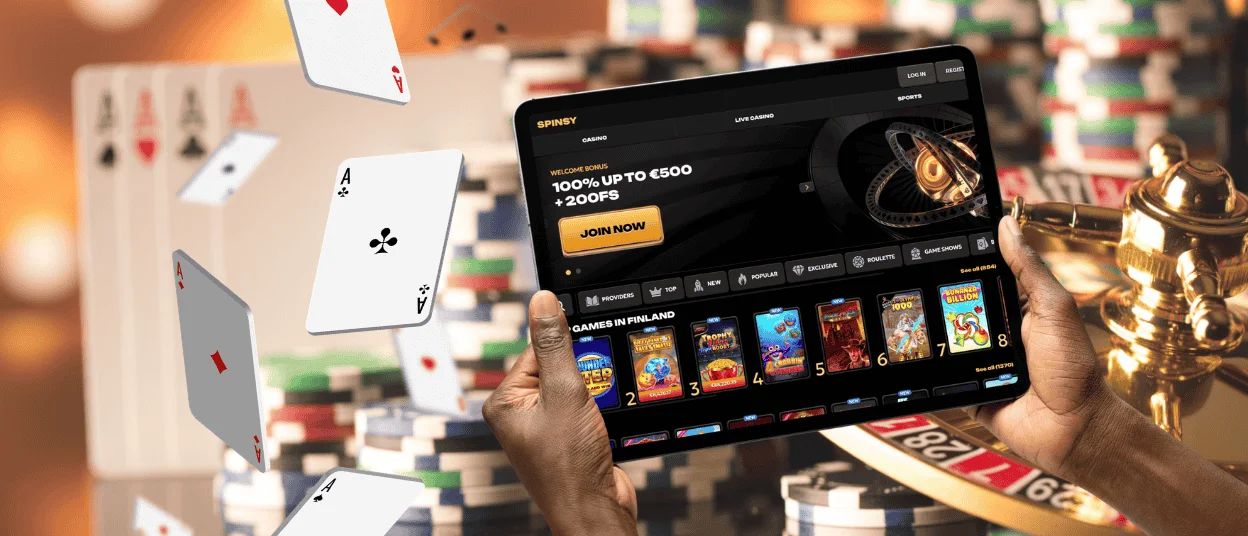
One Spinsy Casino account covers every device you use. Sign in with the same username or email address and password, and your balance and active bonuses follow the account rather than the phone.
Adding the icon does not create a second account. One account per person is the rule, so do not register again on a new device.
If a Spinsy balance looks out of date after you switch devices, reload the page first. A stale page is the usual cause, not a missing payment.
Keep Your Spinsy App Running Smoothly
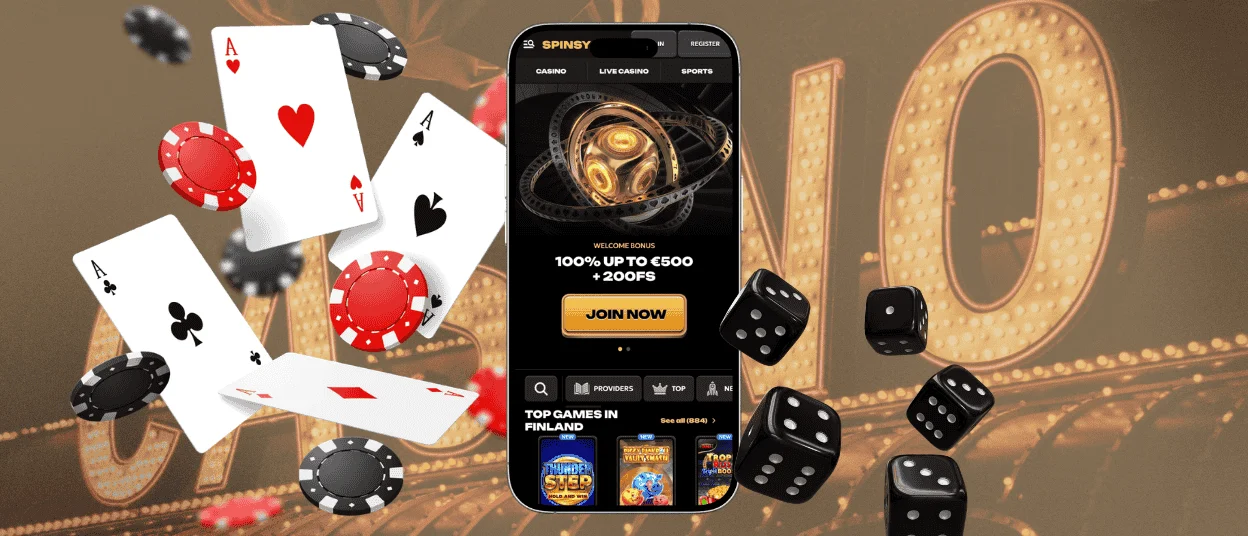
If the icon stops loading, open the site in a normal browser tab. That tells you quickly whether the problem sits with the shortcut or with your connection.
Check the connection, then reload once. Closing unused tabs and restarting the browser clears most of what is left. Keeping the browser and the operating system updated prevents the rest.
Clearing browser data signs you out and removes saved preferences, so treat it as a last step. Avoid repeated refreshes during an active round.
You can reach us any time on live chat. Send your device model and browser version, because that shortens the answer.
Responsible Mobile Play
A phone is always within reach, which makes a mobile session easy to extend without noticing. Decide your money limit and your time limit before you open the Spinsy app.
Set an alarm for the end of the session and stop when it sounds. Keep essential money outside your gambling budget. Never treat a win as income or a loss as something to win back.
Only registered adults over the age of 18 can use the Spinsy app. Ask our team for a temporary break whenever you want one, or write to us for self-exclusion or closure.
Gambling Therapy and Gamblers Anonymous both give independent help.
FAQ
How do I remove the Spinsy shortcut from my device?
Press and hold the icon, then choose the remove option your device offers. This deletes the icon only. Your Spinsy Casino account and your active bonuses stay as they were. You can sign in again from any browser.
What should I do before changing or selling my phone?
Sign out of your Spinsy Casino account and remove the icon from the home screen. Clear any saved login details from the browser, because a saved password will remain otherwise. Back up your personal files, then factory-reset the device before you hand it over.
Can I use Spinsy on a shared device?
Yes, with two precautions. Never save your Spinsy password in the browser, and sign out fully when you finish. The one-account rule also covers a shared household and IP address. A second person in the same home cannot open a separate account.


